
Fast answer
Key Takeaways
- An explainer fails in planning, not animation: agree on one audience, one message, and where the video will run before anyone writes a line.
- Budget the script by speaking pace: about 150 spoken words per minute, so a 90-second explainer lands near 225 words.
- Lock the storyboard and animatic before animation starts, because a change that costs minutes on a sketch costs days in a rendered scene.
- Plan delivery as a set: widescreen, square, and vertical versions, burned-in captions, and cutdowns, since most public viewing starts with the sound off.
- LocalEyes Video Production scopes explainer projects from around $10,000, and most projects land between $15,000 and $30,000, priced by scope, not a rate card.
The lights go down in the conference room and the draft plays. It is 3 minutes long. It covers the platform, all six integrations, the security model, the onboarding flow, the founding story and the roadmap. The animation is clean. The voice is warm.
Then the head of sales asks the question that ends the meeting: “So what is the one thing a buyer should remember?”
Nobody in the room gives the same answer.
That draft did not fail in animation. It failed earlier in the explainer video production process, because it explained everything, which is the same as explaining nothing a buyer can repeat. A good process is mostly a way of preventing that meeting: a sequence of decisions, each one locked before the next, so the expensive stages are spent on a message that already works. This is the full walkthrough, stage by stage, for a B2B team producing a company explainer. For how LocalEyes Video Production runs it for clients, see our explainer video production page.
The 9 Stages of Explainer Video Production
- PlanningOne viewer, one message, and where the video will run, agreed on a single page.
- ScriptA word budget set by speaking pace, structured problem to proof to next step.
- Style choiceThe animation family that can show what the buyer most needs to see.
- Design, storyboard, animaticStyle frames, a panel per line, then boards timed to the voice track.
- AnimationApproved scenes built and moved, reviewed for motion rather than message.
- Voiceover and soundA cast narrator, a licensed track, and sound design mixed under the voice.
- Review roundsOne approver per round, each stage reviewed for the thing it controls.
- Delivery and versionsAspect ratios, captions, cutdowns, languages, and agreed file rights.
- Launch and measurementPlacement, metadata, and play rate, engagement, and conversion tracked against the goal.
What Has to Be Decided Before the Script?
Three decisions, and they belong on one page before a writer starts. Skip them and the script becomes the place where every stakeholder negotiates, which is how you get the 3-minute draft.
Who Is Watching
Name one viewer. Not “decision-makers in mid-market companies,” but the person who clicks play: a VP of operations comparing vendors, a new customer in week one, a partner rep who needs to pitch you. The target audience decides the vocabulary, the pain you open on, and how much you can assume they already know.
The One Message
Write the sentence the viewer should be able to repeat after watching. One sentence, plain words, no feature list. If the team cannot agree on it in a meeting, the video will not settle it later. Everything that does not serve that sentence goes to a second video, a product page, or a sales deck.
Where It Will Run
Placement shapes the edit more than most teams expect:
- Homepage or landing page. A viewer who chose to press play; you can spend 60 to 90 seconds building the case.
- Paid social and feeds. Sound off, thumb on the scroll; the point has to land visually in the opening seconds.
- Sales follow-up. Sent after a call, watched by people who were not on it, so the video has to stand on its own.
- Onboarding or support. A viewer who already bought; depth matters more than persuasion.
One Video or a Series?
Sometimes the honest answer to an overloaded brief is more than one video. A platform sold to three different buyers rarely fits in one explainer, and forcing it produces the draft from that conference room. Three short explainers, each with its own viewer and its own sentence, usually outperform one long one, and scoping them together means they share style frames, characters, and a voice, so the second and third cost less effort than the first. Decide this in planning. Splitting a video after the script is written means starting the script again.
The Inputs to Gather First
Before the kickoff, pull together the raw material a writer will need. It saves a round of back and forth and it keeps the script grounded in how your buyers actually talk:
- Sales call notes or recordings. The objections and phrases prospects repeat are better script material than any positioning deck.
- Product access. A demo login or recent screen captures, so the animation shows the interface buyers will really see.
- Brand guidelines. Colors, type, logo rules, and any illustration or icon system already in use.
- Two or three reference videos. Explainers you like and one you dislike, with a sentence on why.
If you are still deciding which kind of explainer fits the job, our guide to choosing the right explainer video type maps formats to goals, and what makes a good explainer video covers the qualities the finished piece has to hit.
How Do You Write an Explainer Script?
Write it as a word budget, not a guess: average conversational English in the US runs about 150 words per minute, so a 60-second explainer holds about 150 spoken words and a 90-second one about 225. The structure, the hook and the line-level craft are covered in our animation script tips, so this stage stays short here.
Which Animation Style Fits the Message?
Style is not decoration. It sets the tone, it drives the budget, and it decides how much of your real product can appear on screen. There are thousands of looks, but most B2B explainers fall into a handful of families:
| Style | Best for | Watch out for |
|---|---|---|
| Whiteboard | Step-by-step processes, training, compliance topics | Can read as dated for a premium brand |
| Motion graphics | Software, data, and interface-driven products | Needs tight timing between narration and graphics |
| Kinetic typography | Short social pieces and bold one-message statements | Text-heavy frames tire viewers over 60 seconds |
| 2D character animation | Human problems, customer journeys, emotional stakes | Character design and acting add scope |
| 3D animation | Physical products, internals, and spatial processes | Highest asset and render effort |
| Live action with animation | Real people or products with graphics layered on top | Adds a shoot day and crew to the plan |
The decision rule is simple: pick the style that can show the thing a buyer most needs to see. A process that lives in software usually wants motion graphics built from your real interface. A physical product with hidden internals often justifies 3D, which our piece on why complex products need 3D animation explains. A human problem, such as a frustrated customer or a team stuck in a manual process, is where 2D characters earn their cost. For side-by-side examples, see our guide to animation styles and the trade-offs in 2D vs 3D animation.
What Happens in Design, Storyboard, and Animatic?
This is the stage most first-time buyers underestimate, and the one that protects the budget. It turns an approved script into pictures you can judge before anyone animates a frame.
Style Frames
A designer produces a few fully finished stills in the chosen style: your colors, type, characters, and a sample of your interface. These answer the question “what will it look like?” with something concrete, so brand and marketing sign off on the look once, early, instead of arguing about it in every later review.
The Storyboard
Every line of the script gets a panel: what is on screen, what moves, what text appears. Read it next to the script and check one thing above all: does each picture show the idea, or just decorate the narration? Our guide on how to storyboard walks through the format.
The Animatic
Storyboard panels cut to a scratch or final voice track, timed to the second. It is ugly on purpose. It is also the first time anyone experiences the pacing, and the last cheap moment to fix a slow opening or a rushed demo.
What to Check in the Animatic
Watch it twice. The first pass is as a buyer, with no script in hand; the second is with the script open, line by line. Then answer four questions before you approve:
- Does the opening land the problem before the product appears? If the logo arrives first, the first seconds are spent on you, not the viewer.
- Is any line fighting its picture? When the narrator says one thing and the panel shows another, viewers follow the picture.
- Does any panel hold too long or flash too fast? A label that cannot be read at the planned pace will not be read in the final video either.
- Would the story survive on mute? Turn the sound off. If the panels alone lose the thread, the captioned social cuts will too.
Every “no” here is a fix measured in minutes. The same fix after rendering is measured in days.
How Does the Animation Stage Work?
With the storyboard, style frames and voice locked, animators build the approved scenes: illustration or 3D assets first, then movement, transitions and the moments where on-screen text and narration have to hit together. Motion graphics in particular depend on tight timing between the narration and what moves on screen, so expect this stage to take real calendar time.
Here is what the far end of the process looks like in a finished piece:
What you review here should be motion, not message. The useful feedback at this stage sounds like:
- “This transition is too fast to read the label.”
- “The dashboard should match the current version of our product.”
- “The logo needs to hold on screen a beat longer.”
If the feedback sounds like “we should mention the enterprise tier,” the problem started in the script stage.
How to Give Useful Animation Notes
Watch the cut on the device where most people will see it, at the size they will see it. A detail that looks fine on a large monitor can be unreadable on a phone. Then send notes that an animator can act on without a follow-up call:
- Timecode every note. “At 0:42” beats “near the middle.”
- Describe the problem, not the fix. “I cannot read the second label” leaves room for a better solution than “make it bigger.”
- Send one consolidated list. Conflicting notes from two reviewers cost a full round.
For the full studio pipeline behind this step, from asset build to render, read our animation production process guide.
Video that has to work?
Plan your next video project with LocalEyes Video Production and start from the goal, not the brief.
Why Do Voiceover and Sound Matter So Much?
An animated explainer has no faces to read, so the narrator carries the trust. A voice that sounds unsure, rushed, or like every other stock read makes a precise product feel generic.
Casting the Narrator
- Match the buyer, not the brand fantasy. A CFO audience wants a calm, credible read; a developer audience distrusts anything that sounds like an ad.
- Audition on your own script. Ask for readings of your two hardest lines, usually the product name and the most technical sentence.
- Record professionally. A laptop or phone recorder is fine for a scratch track. For a company explainer that will sit on your homepage, the room tone and mic quality are audible, so book a proper booth.
Music and Sound Design
The track should reinforce the narration and never compete with it. Pick two or three options, test each under the animatic, and choose with the voice playing, not in isolation. Sound effects (a click, a whoosh on a transition, a chime on a result) make motion feel physical. Confirm the music license covers every place the video will run, including paid ads.
Order matters here as well. The final voiceover is usually recorded before full animation, because the read sets the rhythm of every scene. Animating to a scratch track and then swapping in a slower or faster final voice means retiming work that was already approved.
How Many Review Rounds Should You Plan?
There is no universal number, and any quote should state the rounds included at each stage: script, storyboard, and animation. What matters more than the count is when changes arrive. Review time is real calendar time, too: one studio’s published process notes that client approvals add at least eight days to a project, with 1 to 2 days to review each major delivery.
Three habits keep reviews productive:
- Name one approver. Collect feedback from as many people as you like, but one person consolidates it and resolves conflicts before it goes back.
- Review the right thing at each stage. Message at script, pictures at storyboard, pacing at animatic, polish at animation.
- Bring the late stakeholder in early. The executive who sees the video for the first time at final cut is the most common cause of a script rewrite after animation.
What Should Delivery Include?
A single widescreen file is not a finished deliverable. The explainer will live in several places, and each has its own shape.
Captions are not optional. Feeds, open-plan offices and trade show floors all start video muted, and an explainer whose message depends on the voiceover disappears for those viewers unless the key lines are on screen.
A complete delivery package usually covers:
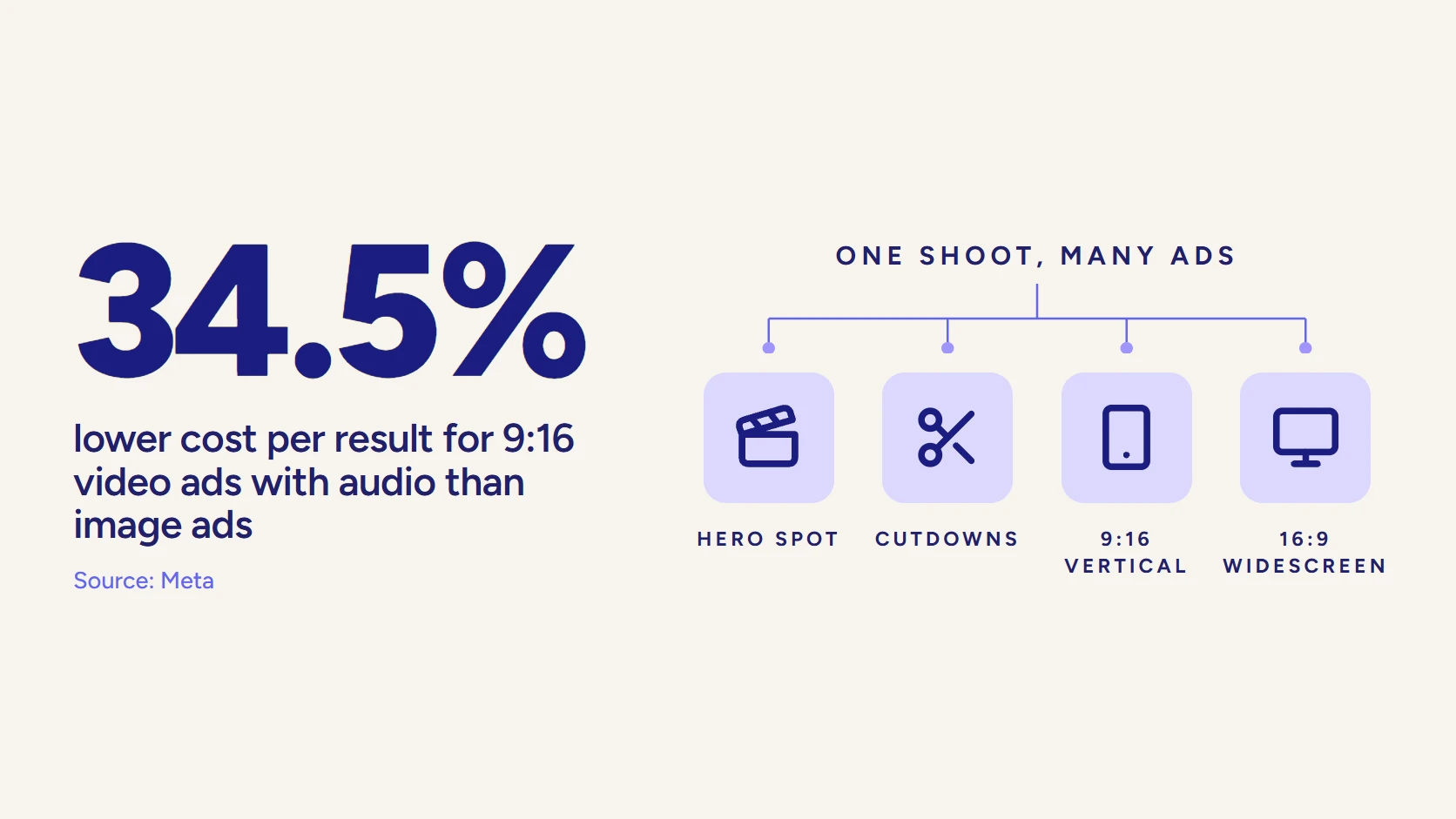
- Aspect ratios. 16:9 for the website and YouTube, 1:1 or 4:5 for feeds, 9:16 for vertical placements.
- Captions. Burned-in for social, a separate caption file for players that support them.
- Cutdowns. 15 and 30-second versions for ads and outreach, built from the same scenes.
- Language versions. Translation changes timing, so budget for re-pacing, not just a new voice.
- Files and rights. Agree up front whether project files, characters and brand assets are yours to reuse.
This is where scoping the video as a set pays off: every extra version is far cheaper when it is planned in the storyboard than when it is requested after final delivery.
How Long Does Explainer Video Production Take?
Plan on weeks, not days. One studio that publishes its full process puts a standard animated explainer at 6 to 8 weeks, with rush projects sometimes completed in roughly 3 to 4 weeks. Timelines vary by studio, style and how fast your team approves each stage, so treat any schedule as a plan with your review days built in.
The phases that consume the calendar are usually the storyboard, the illustration and the animation. The phase that most often breaks it is the one no studio controls: a stakeholder who reopens the script after the storyboard is approved.
The same source breaks the calendar down by phase, which is a useful way to see where the time actually goes:
- Scriptwriting: 2 to 3 days.
- Storyboard: about 1 week.
- Voiceover recording: about 1 day.
- Illustration: about 1 week.
- Animation: about 1 week.
- Music and sound design: 1 to 2 days.
Add your review time between each of those and the 6 to 8 week range makes sense. The quickest way to shorten it is not to rush a phase. It is to return feedback the day it is due.
A few things predictably stretch the calendar, and almost all of them are on the client side of the table:
- Legal or compliance review added late. Bring that reviewer in at script stage, when a changed word is cheap.
- Product changes mid-project. An interface redesign that ships during animation means redrawing every screen that shows it.
- Feedback from several reviewers, unmerged. Two sets of conflicting notes cost a full round to untangle.
- Translations decided after delivery. New languages change timing, so they belong in the storyboard plan.
If a launch date is fixed, say so at kickoff. A studio can plan the stages backward from a deadline, but only when it knows the deadline exists before the script is written.
Where Do AI Tools Fit in Production?
AI has changed parts of the workflow, and a buyer should know which parts. It is genuinely useful for drafting: generating script variations to react to, producing a scratch voice for an early animatic, and transcribing interviews or sales calls into raw material. Those uses speed up the early stages without touching the finished video.
The finished explainer is a different question. The things that make a company explainer work (a single message chosen from a crowded brief, a visual system that matches your brand, a narrator who sounds credible to your buyer, animation that shows your real product) are judgment calls, and generic output reads as generic to the people you are trying to win. We compare the two approaches in detail in AI explainer video vs professional production.
A practical test: if the video will sit on your homepage or in front of enterprise buyers, it is a brand asset, so produce it like one.
How Do You Launch and Measure an Explainer?
A finished explainer earns nothing sitting in a folder. Launch is a short checklist, and measurement starts by deciding what “working” means for the placement you chose in planning.
Launch Checklist
- Homepage and product pages. Place it above the fold where the one message matches the page headline.
- YouTube and search. Write a title and description for the buyer’s question, upload the transcript, and add chapters if the video runs past a minute.
- Sales enablement. Give reps the link and a one-line reason to send it.
- Paid and organic social. Lead with the vertical cutdown and captions on.
What to Measure
Track the numbers that tie back to the goal, not just views. Play rate tells you whether the page and thumbnail invite a click. Engagement (how much of the video people watch) tells you whether the script holds. For a benchmark, Wistia’s analysis of more than 13 million videos found that videos under a minute average a 52% engagement rate. Conversion on the page, or reply rates on sales emails that include the video, tells you whether it moved anyone.
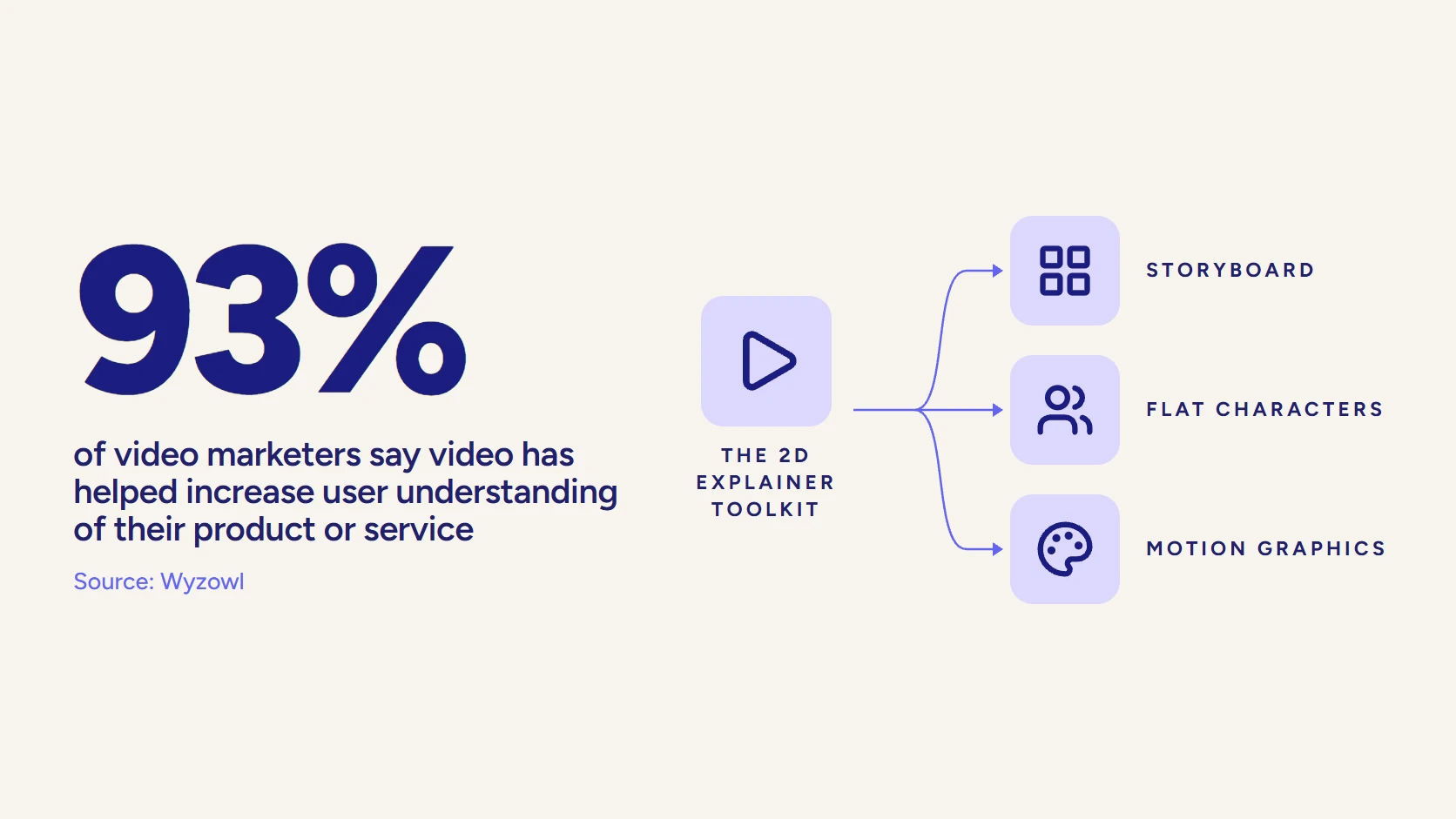
Understanding is the effect worth chasing. In Wyzowl’s 2026 survey, 93% of video marketers said video has helped increase user understanding of their product or service. If your explainer is working, sales calls should start further along.
When to Refresh It
An explainer ages with your product. A redesigned interface, a new pricing model, or a shift in who you sell to will date it faster than the animation style will. Two habits extend its life: build scenes as modules so one section can be replaced without redoing the rest, and keep the project files so a small update stays a small job. Review the video against your current product each time you ship a major release.
What Does Explainer Video Production Cost?
In a July 2026 study that sent one brief for a custom 60-second animated explainer to 125 studios, the median quote was $9,680. LocalEyes Video Production scopes explainer projects from around $10,000, with most landing between $15,000 and $30,000, and our explainer video cost guide breaks down what moves the number.
Where Does LocalEyes Video Production Fit?
LocalEyes Video Production has spent 8 years producing video for B2B teams, more than 4,000 videos across 10 US markets, with Emmy recognition and 500+ five-star reviews. Explainers sit next to live-action work in that practice, which matters when the best version of your story mixes an animated walkthrough with a real customer or a real product on camera.
If you want a local team, our explainer pages cover New York, Chicago, Dallas, Boston, Los Angeles and Miami. For animation beyond explainers, see our animation video production work.
If you want to see how that process feels from the client side before you call, this short video walks through it:
Bring the one sentence you want buyers to repeat. We will scope the rest with you and send a clear quote and a delivery date.
Video that has to work?
Plan your next video project with LocalEyes Video Production and start from the goal, not the brief.
Frequently Asked Questions
What Are the Stages of Explainer Video Production?
How Long Does It Take to Produce an Explainer Video?
How Long Should an Explainer Video Script Be?
Which Animation Style Is Best for a Company Explainer?
Do Explainer Videos Need Captions?
How Much Does Explainer Video Production Cost?
Can I Change the Script After Animation Starts?

Founder at LocalEyes Video Production | Inc. 5000 CEO | Emmy Award Winning Producer