
Key Takeaways
|
An explainer video cost in 2026 depends on how much strategy, creative development, production detail, and post-production support the project requires.
Budget pressure is shaping those decisions. Gartner’s 2025 CMO Spend Survey found that marketing budgets stayed flat at 7.7% of company revenue, while 59% of chief marketing officers (CMOs) said they lack enough budget to execute their strategy.
For business-to-business (B2B) teams, this makes scope clarity critical. A simple template-based animation has a different cost structure than a custom explainer built for product education, sales enablement, paid media, and customer onboarding.
The best budget conversation starts with what the video needs to explain, where it will live, and how many useful assets your team needs from the project.
This guide explains what drives explainer video pricing, so your team can evaluate scope with more confidence.
The Biggest Explainer Video Cost Drivers Are Strategy, Style, Revisions, and Deliverables
Two videos with the same runtime can have very different budgets.
A simple 60-second template animation has a different scope than a custom 60-second explainer for a regulated product. Runtime matters, but it’s rarely the full story of pricing.
The biggest cost drivers usually include:
- Script and Messaging Depth: Discovery, positioning, story structure, and message refinement can expand scope. This work often reduces revision churn later.
- Animation Complexity: Custom characters, product visuals, motion graphics, and technical scenes increase production effort.
- Production Style: Whiteboard, 2D, 3D, live action, and hybrid formats require different teams and workflows.
- Review Cycles: Additional stakeholders, compliance reviews, and delayed feedback can increase revision time.
- Usage Rights: Voiceover, music, talent, source files, and paid usage terms may affect the final quote.
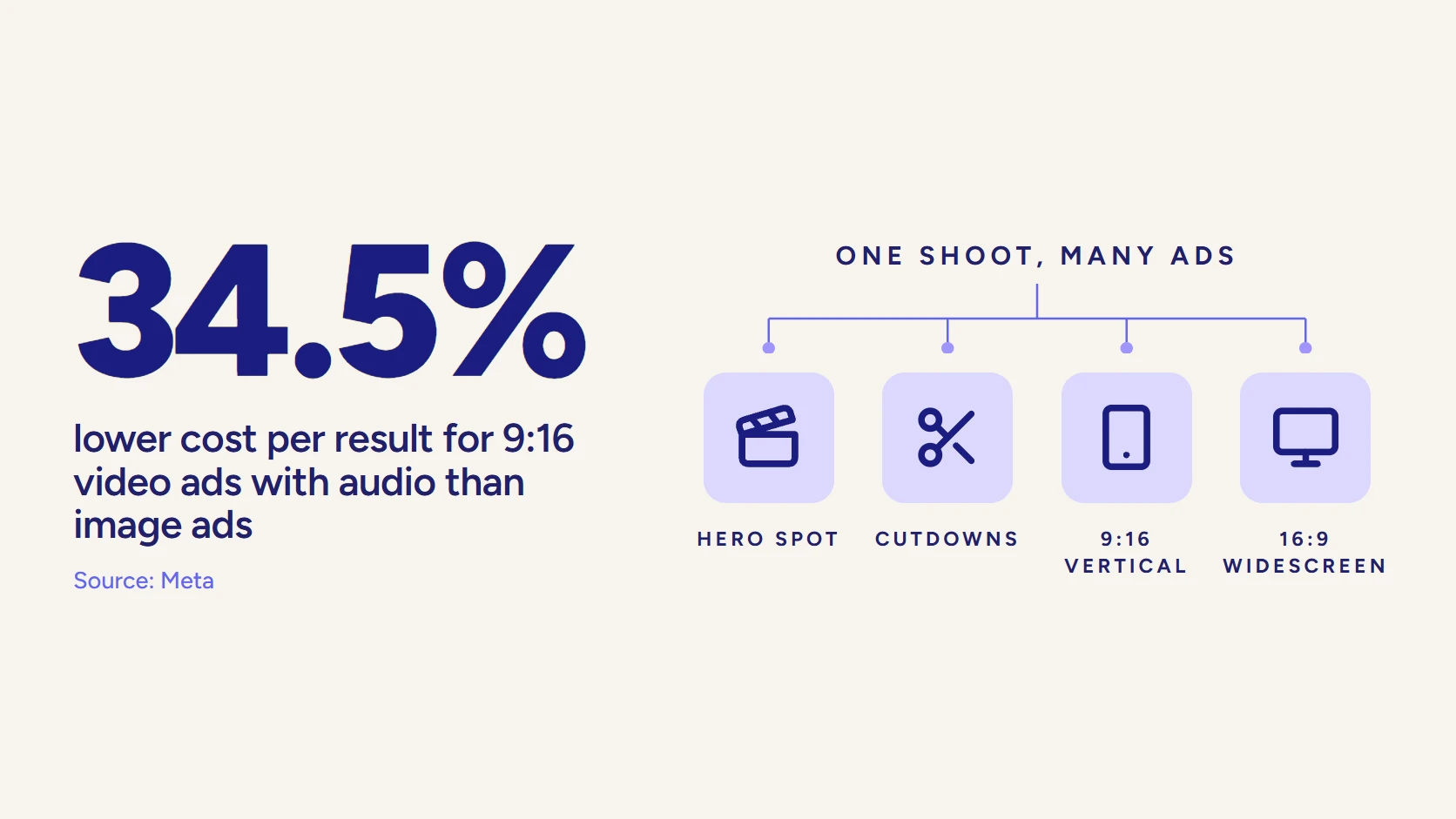
- Delivery Formats: Social cutdowns, captions, alternate aspect ratios, and sales versions expand deliverables.
This is why one quote may look cheaper at first.
It may not include strategy, multiple versions, usage rights, or enough revision support. Another quote may cost more because it accounts for the full business use.
When comparing animated video production costs, ask what the work includes before comparing prices alone.
A stronger quote should clearly explain the creative scope, review process, and final deliverables.
Compare Explainer Video Cost by Style
Style affects price because each format requires different creative work, for example:
- A whiteboard explainer may need a simpler production path.
- A 3D product explainer may need modeling, rendering, technical accuracy, and a more specialized review.
| Style | Typical Budget Range | Best Fit | Main Cost Driver |
| Whiteboard Explainer | Lower to mid | Simple frameworks, training, and sequential logic | Script clarity and illustration style |
| 2D Motion Graphics | Mid | Software, services, workflows, and abstract ideas | Custom visuals and animation complexity |
| Character Animation | Mid to high | Story-led education or brand-friendly explainers | Character design, scenes, and movement |
| 3D Animation | High | Products, devices, spatial concepts, and technical details | Modeling, rendering, and technical accuracy |
| Live Action Hybrid | Variable too high | Trust-led explainers, experts, and customer stories | Crew, locations, talent, and post-production |
| Screencast or Product Demo | Lower to mid | Software walkthroughs, onboarding, and product education | User interface (UI) capture, script structure, and updates |
The cost of an animated explainer video often depends on how custom the visuals need to be.
- A motion graphics explainer can be efficient when the message involves data flows, services, software, or abstract ideas.
- 2D animation cost usually rises when custom characters, scenes, or more detailed transitions are required.
Training and learning videos have their own scope questions. If the explainer supports internal or customer education, compare its pricing with educational video production.
The right style should match the message.
Don’t pay for visual complexity that the audience doesn’t need. Don’t under-build a complex message that needs more structure to work.
What Different Explainer Video Budget Tiers Usually Include
Explainer video price becomes easier to evaluate when you look at tiers.
Each tier can work in the right context. The tradeoff is usually strategy, customization, process support, and how useful the final asset becomes.
- DIY or Template-Based: Lower cost, faster production, and limited custom strategy. This can work for simple internal concepts or early testing.
- Freelancer or Small Studio: More customization, but process and capacity vary. This can fit tighter budgets when the scope is clear.
- Specialized Studio: Stronger script, design, animation, and production management. This tier often fits marketing teams that need polished execution.
- Strategic Agency or Premium Partner: Deeper messaging, custom creative, stakeholder support, and multi-use deliverables. This fits projects tied to demand generation, sales, or brand trust.
Explainer video rates shouldn’t be compared without scope. One provider may include scripting, voiceover, music, captions, and revisions. Another may price those separately.
For early-stage teams, video production for startups may require a leaner approach. The key is choosing the right scope for the current business need.
Explainer video services should make the final asset easier to use.
If your team only needs one simple video, a smaller scope may be enough. If the video needs to support sales, web, paid media, and onboarding, plan for multiple final files.
Use This Pricing Strategy Before You Approve Scope
Hidden costs are usually scope items that were not discussed early enough. A good proposal should make those items visible before production starts. This helps your team avoid surprise costs, weak deliverables, and rushed approvals.
Use this framework before approving the scope.
- Message Strategy: Does the quote include discovery, positioning, scripting, and revisions?
- Creative Scope: Are visuals custom, template-based, 2D, 3D, live action, or hybrid?
- Review Process: How many revision rounds are included, and who owns feedback?
- Usage Rights: Are voiceover, music, talent, source files, and paid usage terms included?
- Deliverables: Does the quote include captions, cutdowns, aspect ratios, and sales versions?
- Timeline: Does the schedule include rush fees or enough room for stakeholder review?
- Business Use: Will the video support web, paid, sales, onboarding, or customer education?
This framework matters because explainer videos often support multiple channels. A web explainer may also become a paid ad, a sales clip, an onboarding asset, or a nurture email.
If you need paid versions, compare the scope against broader video commercial cost expectations. If the project also includes interviews, product footage, or brand campaign assets, compare it to the cost of corporate video production.
The cleanest quote isn’t always the best quote. A strong quote shows what the work includes, where the final video will be used, and what could change the budget.
Plan Your Explainer Video Budget With LocalEyes
A good explainer budget starts with the message. We help B2B teams clarify the audience, story, format, and deliverables before production begins. That planning helps reduce review friction and keeps the final video tied to a business use.
Your explainer may support demand generation, product understanding, customer education, sales enablement, or onboarding. The scope should reflect that.
LocalEyes helps teams plan for message clarity, smoother approvals, better-scoped deliverables, and multi-use assets. The goal is a video your team can use beyond one launch moment.
If your team needs strategic support, explore our explainer video production services.

Founder at LocalEyes Video Production | Inc. 5000 CEO | Emmy Award Winning Producer