Fast answer
Key Takeaways
- An explainer video script runs in 6 beats: hook, problem, solution, how it works, proof, and a single call to action.
- Budget about 150 words per minute of voiceover, so a 60-second explainer script lands near 150 words and a 90-second script near 225.
- Write the script in two columns, voiceover on one side and visual direction on the other, so pictures carry detail the narrator never says.
- Open on the buyer's situation, not your product name; the first line decides whether the rest of the script gets heard.
- Read every draft aloud against a timer before storyboarding, because the ear catches the jargon, stacked clauses, and acronyms the eye skims past.
An explainer video script is won or lost on its first line. Here are two opening lines for the same explainer video. Both introduce the same accounts payable software, and both would take about 5 seconds to read aloud.
Version A: “Introducing Tallyroute, the all-in-one platform that streamlines accounts payable for modern finance teams.”
Version B: “It’s close week, and an invoice is sitting in the inbox of an approver who just left for vacation.”
Version A is about the vendor. Version B is about the viewer’s worst Thursday. A finance lead hears the first and thinks ad; hears the second and thinks that is my team.
That gap is the whole craft of the explainer video script. The animation, the voice, and the music all amplify whatever the script already does, which is why this guide builds one script from a blank page, line by line, and shows the reasoning behind each choice. (Tallyroute is a fictional product, invented for this walkthrough. It is not a client.)
- Explainer video script
- The written blueprint for a short video that explains one product, service, or idea, usually in 60 to 90 seconds. It pairs every line of voiceover with the visual that plays under it, and it moves through a fixed arc: hook, problem, solution, how it works, proof, and one call to action.
What Is an Explainer Video Script, Exactly?
An explainer video script is the blueprint for a short video that explains one product, service, or idea. It holds the spoken words and the picture that plays under each line, and every later stage (storyboard, voiceover record, animation) is built from it. If you want the broader definition of the format first, start with our primer on what an explainer video is.
What it is not: a brochure read aloud. Marketing copy is written for the eye and can afford a long sentence with 3 qualifiers. A script is written for the ear, heard once, at the narrator’s speed, with no way to scroll back.
This guide stays on the explainer script itself, for B2B products that take some explaining. General animation writing craft (character dialogue, pacing a longer narrative) lives in our animation script tips.
What Do You Need Before You Write Line One?
Most weak scripts fail before the first word, because the writer never pinned down four answers. Get these on one page and the draft almost writes itself:
- One viewer. Not “finance teams” but the person watching: a controller at a mid-market company who owns the monthly close and answers to a CFO.
- One problem. The single friction this video removes. Tallyroute’s is approvals that stall in scattered inboxes, not “AP inefficiency” in general.
- One action. What the viewer should do in the final 5 seconds: book a demo, start a trial, or read a pricing page. Pick one.
- Proof you can actually use. A named customer result, a metric you can defend, or a recognizable integration. If legal has not cleared it, it is not proof yet.
Also decide where the video will play, because a homepage hero, a sales follow-up email, and a trade show loop are different jobs. Our guide to choosing the right explainer video type maps those placements to formats.
How Long Should an Explainer Video Script Be?
Start from speaking rate, not from a page count. The National Center for Voice and Speech puts average conversational English in the United States at about 150 words per minute, and audiobook narrators and radio hosts read at 150 to 160. Explainer studios plan around the same figure: one production company notes its voice actors read about 2.5 words per second and recommends 140 to 150 words for a 60-second explainer.
So the arithmetic is simple. Multiply the target length in minutes by 150, then trim, because music, a logo sting, and the pause after a key line all eat time.
| Video length | Voiceover words | Storyboard frames (rule of thumb) | Room for |
|---|---|---|---|
| 30 seconds | About 75 | One per line: hook, benefit, call to action | Hook, one benefit, call to action |
| 60 seconds | 140 to 150 | One per voiceover line across the 6 beats | All 6 beats, 3-step how it works |
| 90 seconds | About 225 | One per line, plus frames for the added objection | All 6 beats plus a use case or objection |
| 2 minutes | About 300 | One per line; split any line that carries two pictures | A second use case or a short demo passage |
| 3 minutes | About 450 | Plan by section first, then one per line | Training or onboarding depth, not a first touch |
The scene column matters as much as the word column. Treat it as a rule of thumb, not a benchmark: one storyboard frame per voiceover line, and a second frame whenever a single line has to carry two pictures. When your word count fits but your scene count does not, the script has too many ideas for its length.
What the Extra 30 Seconds Buy
Going from 60 to 90 seconds adds roughly 75 words. Spend them on the one objection your sales team hears most, not on more features. For Tallyroute, that would be a single line after the how-it-works beat: “It connects to the ERP you already run, so nobody learns a new system.” A B2B buyer who was about to think “another tool to roll out” hears the answer before the doubt settles.
Should you go long to fit everything in? Almost never. Wistia’s analysis of videos on its platform found that videos under a minute average a 52% engagement rate, meaning viewers typically watch about half. Even short videos lose half their audience, so the lines that matter most have to arrive first, and every added 30 seconds has to earn its place.
How Do You Build the Script Line by Line?
Here is the build, beat by beat, for a 60-second Tallyroute explainer. Each beat gets a word budget out of roughly 150, a draft, and the edit that improved it.
Beat 1: The Hook (About 18 Words)
The hook names a moment the viewer recognizes. It does not name the product, the category, or the company.
We already chose Version B from the opening: “It’s close week, and an invoice is sitting in the inbox of an approver who just left for vacation.” It works because it is a scene with a time, a place, and a small disaster. A controller can picture it without any visual help, which means the animation is free to add wit instead of doing all the explaining.
Test your hook by deleting your product name from the whole script. If the first line still makes sense, it is about the viewer. If it collapses, it was about you.
Beat 2: The Problem (About 25 Words)
First draft: “Manual AP processes cause delays, errors, and compliance risk.” Accurate, and completely forgettable, because it is a category of pain rather than a picture of it.
Rewrite: “Approvals live in email, chat, and a spreadsheet nobody trusts. So your team chases signatures instead of closing the books.”
Three changes did the work:
- Concrete nouns. “Email, chat, and a spreadsheet” replaces “manual processes.”
- A consequence the viewer feels. Chasing signatures is a task they did this morning.
- No self-diagnosis. The script never says “you have a problem”; it describes the week and lets the viewer draw the conclusion.
Beat 3: The Turn to the Solution (About 17 Words)
“Tallyroute puts every invoice approval in one queue, with the right approver attached before it lands.”
This is the first time the product name appears, roughly 15 seconds in, and it arrives as the answer to a question the viewer is now asking. One sentence, one promise. The feature list waits.
Beat 4: How It Works (About 40 Words)
This is the longest beat and the one most scripts overload. The rule: 3 steps, each a verb the viewer could do, each paired with a visual that shows more than the narrator says.
“Forward an invoice. Tallyroute reads the vendor and the amount, then routes it by your rules. If an approver is out, it goes to their backup. And your controller sees every open item on one screen.”
Notice what is missing. No mention of the OCR engine, the ERP connectors, or the audit log, even though a real product would have all three. The visual column can flash the ERP logos while the narrator talks about routing; a software demo video is the place for the full tour.
Beat 5: Proof (About 15 Words)
Proof is where fictional scripts cheat and real ones must not. Because Tallyroute is invented, this beat stays a template fill in our example, with brackets you replace with your own approved proof: “[Named customer] [verified result] in [time period].”
In a real script, one sentence of proof beats three. Pick the single result your sales team already quotes, confirm the customer approved it, and put the number on screen as well as in the voiceover so it registers twice.
Beat 6: The Call to Action (About 12 Words)
One action, said plainly, repeated on screen: “See your own approval queue in Tallyroute. Start a free trial at tallyroute.com.”
A 60-second video that ends with “visit our website, follow us on LinkedIn, or contact sales” has asked for three things and will get none of them.
Video that has to work?
Plan your next video project with LocalEyes Video Production and start from the goal, not the brief.
What Does the Finished Two-Column Script Look Like?
Assembled, the Tallyroute draft reads like this. The left column is what the viewer hears; the right is what the storyboard artist and animator build. This is an illustrative example for a fictional product, not client work.
| Time | Voiceover (audio) | Visual direction |
|---|---|---|
| 0:00 to 0:06 | It's close week, and an invoice is sitting in the inbox of an approver who just left for vacation. | Calendar flips to the last week of the month. An envelope icon lands in an inbox; an out-of-office badge pops up beside the approver's avatar. |
| 0:06 to 0:16 | Approvals live in email, chat, and a spreadsheet nobody trusts. So your team chases signatures instead of closing the books. | The envelope splits into three windows (email, chat, spreadsheet). A controller character bounces between them as a close-deadline clock ticks. |
| 0:16 to 0:23 | Tallyroute puts every invoice approval in one queue, with the right approver attached before it lands. | The three windows fold into one clean queue. Each invoice card snaps to an approver avatar. Product logo appears, small, bottom corner. |
| 0:23 to 0:40 | Forward an invoice. Tallyroute reads the vendor and the amount, then routes it by your rules. If an approver is out, it goes to their backup. And your controller sees every open item on one screen. | Simplified UI: invoice forwarded, vendor and amount fields highlight, a rule card routes it. Out-of-office badge reroutes the card to a backup avatar. Pull back to a single dashboard of open items. |
| 0:40 to 0:50 | Template fill: [Named customer] [verified result] in [time period]. | Customer logo and the result as on-screen text, held long enough to read twice. |
| 0:50 to 1:00 | See your own approval queue in Tallyroute. Start a free trial at tallyroute.com. | End card: product name, URL, one button labeled Start a Free Trial. Music resolves. |
Read the voiceover column on its own and it comes in under 150 words, which leaves space for a music sting at the open and a held end card. Now read the visual column on its own. It should tell a rough version of the story with the sound off, since many B2B viewers meet an explainer muted in a feed or on a trade show screen.
That second test is the reason for the two-column format. When the visual column says “show product” six times, the writer has handed the hardest thinking to the animator. When each row names a specific image with a job (a stalled envelope, a highlighted queue, a backup approver avatar), the storyboard stage can move straight to composition. Our guide on how to storyboard picks up from exactly this handoff.
To see the visual column at work in a finished piece, watch an animation from our own channel. This is not the Tallyroute script; it is a real LocalEyes Video Production video, and the point is how each spoken idea gets its own frame.
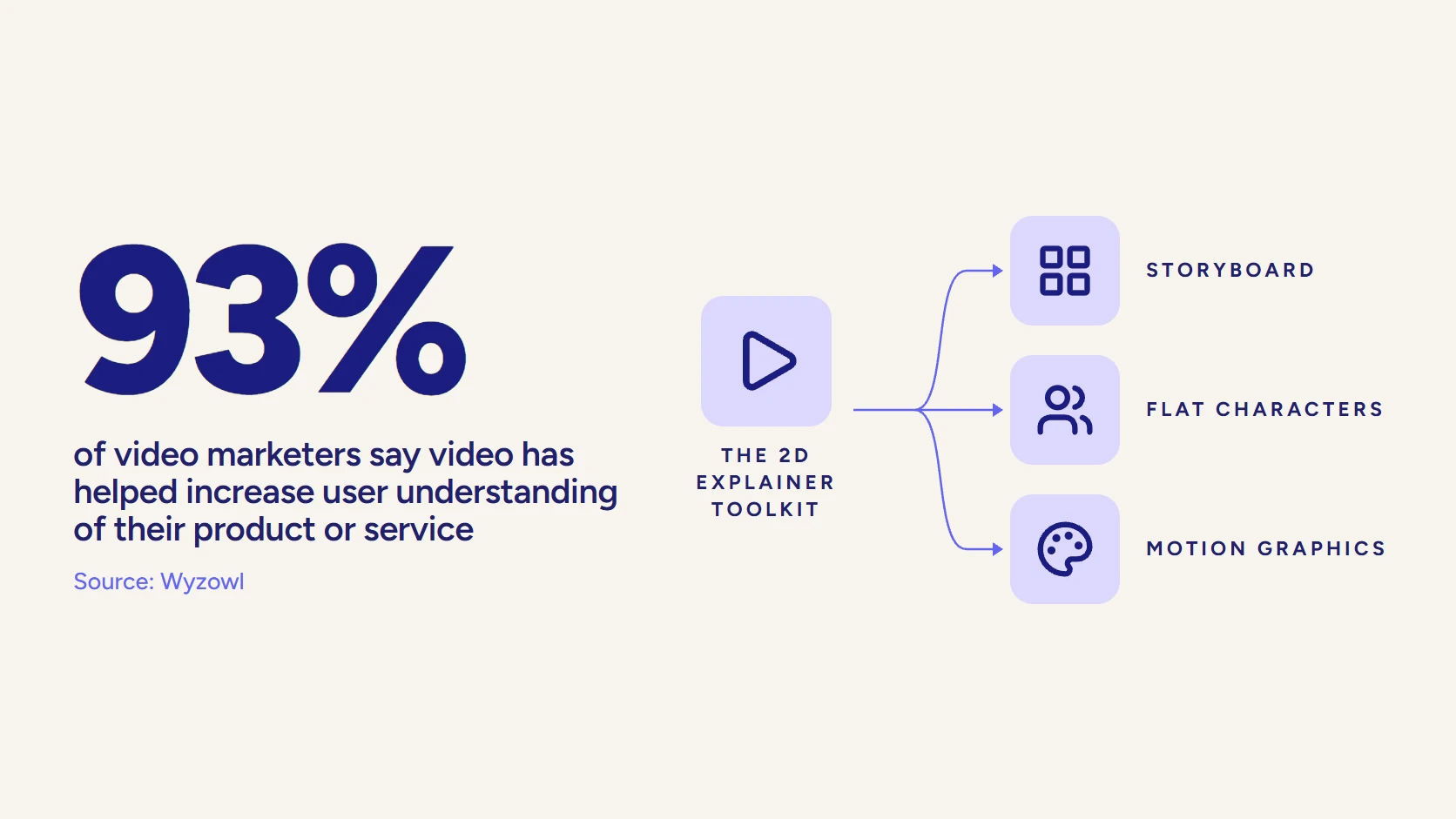
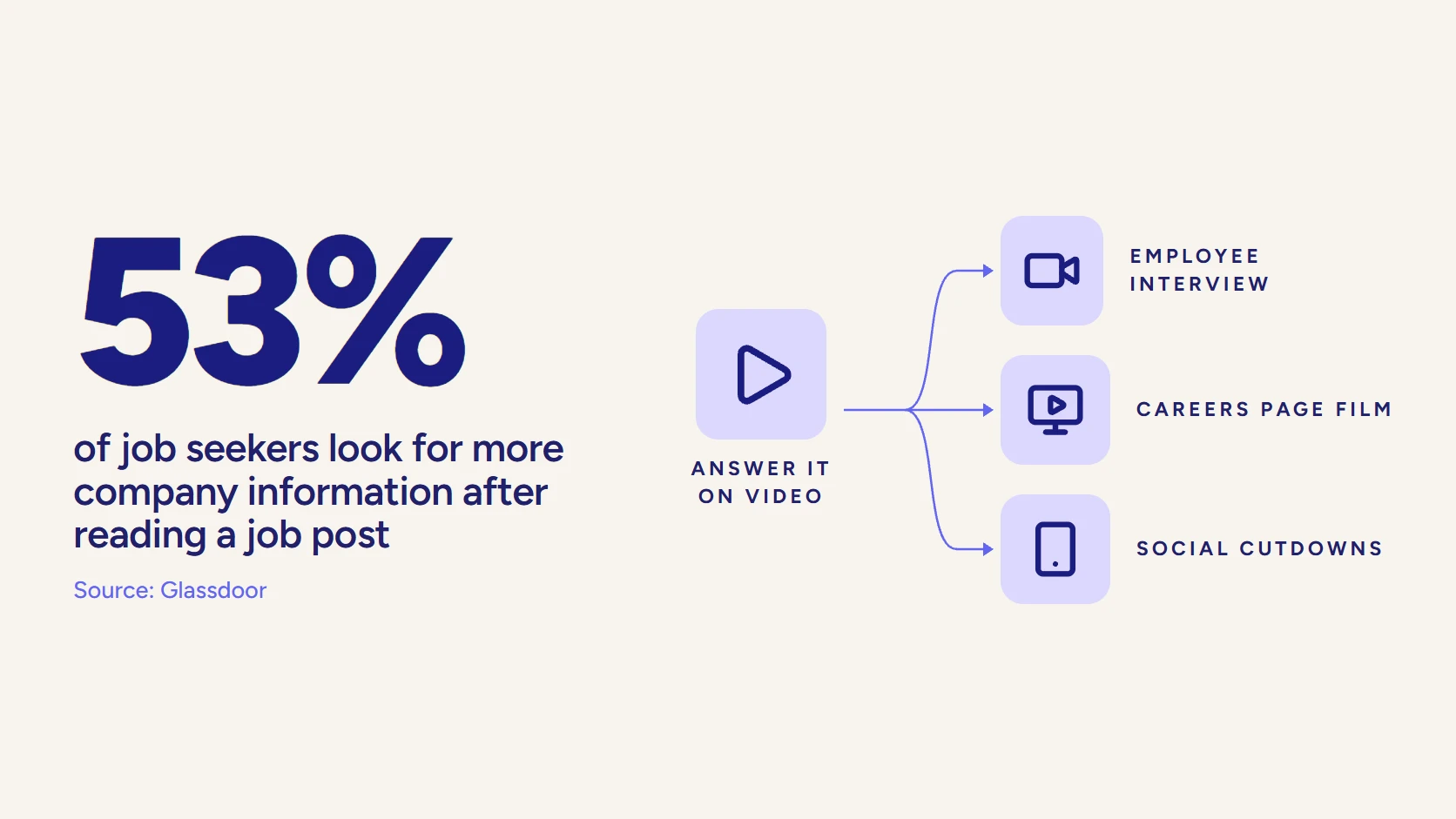
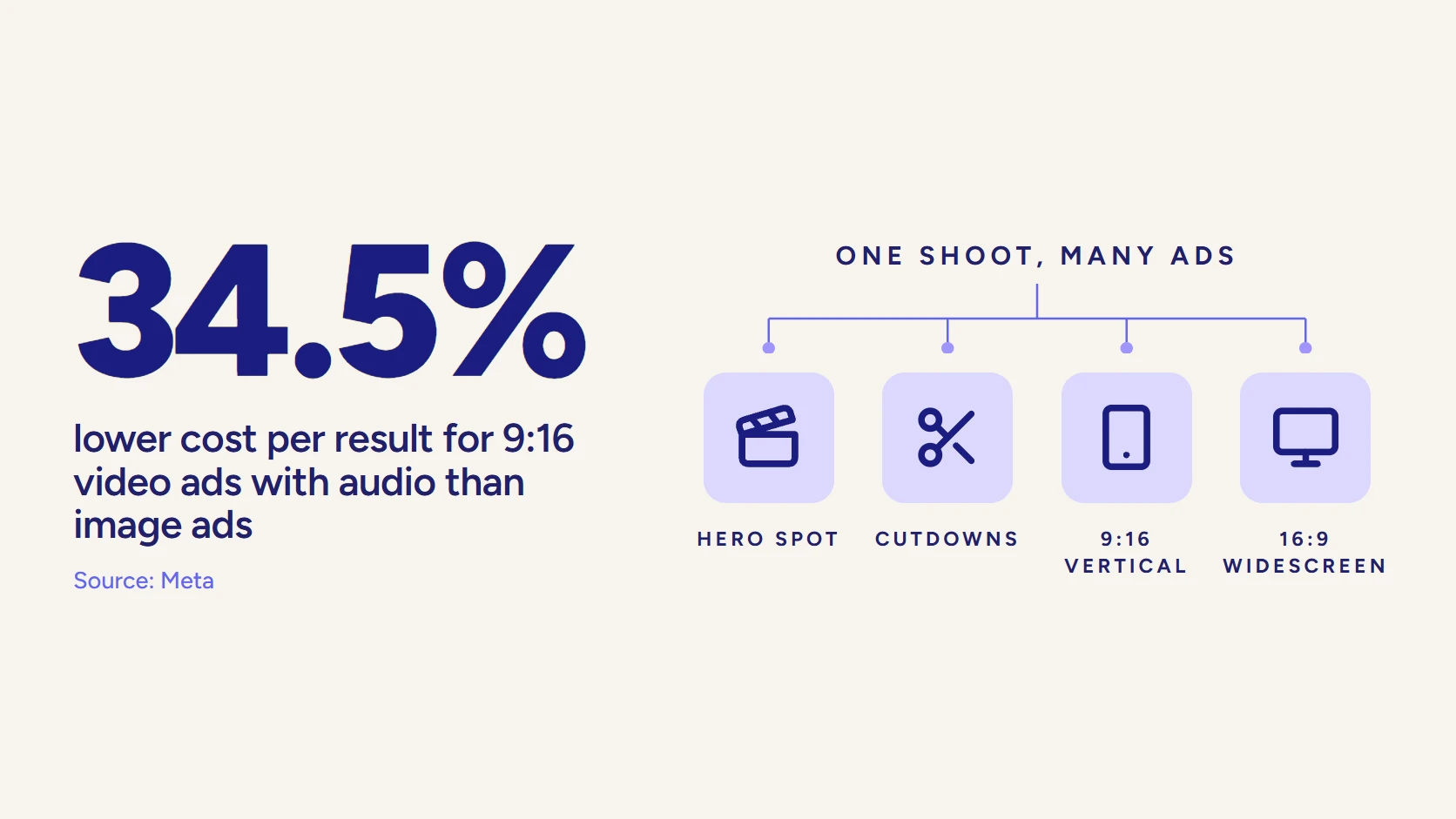
Notice the rhythm. Each statistic arrives as large on-screen type with a single icon beside it, which is the two-column format made visible: one idea in the voiceover, one picture with one job.
How Do You Write for Voiceover Instead of the Page?
A script is heard once, at a fixed speed. That single constraint changes the grammar.
- One idea per sentence. If a sentence has a comma splice or two “and”s, split it.
- Contractions. “It’s” and “you’ll” sound like a person; “it is” and “you will” sound like a policy.
- Spell out pronunciation. Product names, acronyms, and numbers get a phonetic note for the voice actor, such as “Tallyroute (TAL-ee-root).”
- Write numbers the way they are said. A figure that reads cleanly on screen can trip a narrator, so note whether “2.5” should be spoken as “two and a half” or “two point five.”
- Front-load the verb. “Forward an invoice” lands faster than “Once an invoice has been forwarded.”
Then do the one test that catches everything else: read it out loud, at a natural pace, with a stopwatch running. If you run past the target by more than a couple of seconds, you cut words, not pauses. Rushing the narrator to fit an overwritten script is the most common reason a finished explainer sounds like a disclaimer.
Should the Script Change for a Technical Buyer or an Executive?
Yes, and usually that means two scripts rather than one compromise. A B2B deal has several people in it, and they listen for different things.
Take the same Tallyroute hook. For a controller, the close-week scene works because they live it. For a CFO, the scene is one level up: “Your team closed the books late again, and nobody can tell you which approval held it up.” Same product, same problem, different altitude. The CFO does not care who forwarded the invoice; they care that the delay is invisible.
The how-it-works beat shifts the most:
- The technical evaluator wants to hear integration, permissions, and rules, because those are the risks an IT or operations lead owns and will be blamed for.
- The executive wants the outcome of the mechanism, stated once, in the language of their own reporting: faster close, fewer surprises, visible bottlenecks.
- The daily user wants to know what changes on Monday morning, which is usually one habit, like forwarding an invoice instead of chasing it.
Writing all three into one 60-second script produces a video too technical for one viewer and too vague for the others.
A practical split for a first explainer: write the master version for the person who feels the problem daily, since they are usually the one who shares it upward. Then plan a second, shorter script for the economic buyer once the first one has proven its hook in the field.
Choosing whose voice tells the story is part of the same decision. Our explainer for Zepl, a data management company, is told from the perspective of one of its customers rather than from the vendor’s.
Does the Script Change for a Live-Action Explainer?
The 6 beats stay the same. The visual column changes jobs.
In an animated explainer, the right-hand column is a brief for an illustrator: it can ask for an envelope that splits into three windows, and someone will draw it. In a live-action explainer, that column becomes a shot description a crew has to physically capture, so every row has to answer practical questions. Who is on camera? Where are they? Is the line spoken by a narrator in voiceover or by a person on screen?
That last question matters more than it looks. On-camera lines have to sound like something a real controller would say to a colleague, and they are harder to cut in the edit because the picture is tied to the words. Voiceover can be trimmed a phrase at a time. For that reason, many live-action B2B explainers keep a narrator for the problem and how-it-works beats and save on-camera speech for a short customer moment near the proof beat.
Hybrid scripts are common too: a filmed hook in a real finance office, then a switch to motion graphics for the product walkthrough, where a simplified interface explains more than a screen recording would. If you are weighing formats, our animated explainer guide covers when drawing beats filming.
Which Mistakes Sink an Explainer Video Script?
Most failed explainers were not badly animated. They were over-written, under-focused, or written for the wrong listener. The patterns repeat often enough to list:
Cut this, write this instead
Write this
- Open on a moment the viewer lived this week
- Name one problem in concrete nouns
- Show how it works in 3 steps, each a verb
- Use one proof point that is real and approved
- End with one action and one destination
Cut this
- Opening with the product or company name
- Category pain such as "inefficiency" or "complexity"
- A feature list read at speed
- Stacked claims with no customer behind them
- Three calls to action in the last 5 seconds
The mistake behind most of the others is trying to satisfy every internal stakeholder at once. Product wants the features, sales wants the differentiators, legal wants the qualifiers, and the CEO wants the vision. A script that includes all four is 3 minutes long and persuades nobody. Decide who the video is for, then let the other asks go to other assets, such as a SaaS explainer series with one video per audience.
Strong explainers share a short list of traits (clarity, one message, a clear next step), which our breakdown of what makes a good explainer video covers from the viewer’s side.
How Should You Review a Script Someone Else Wrote?
Plenty of B2B marketers never write the first draft. They receive it, from a studio, an agency, or a product marketer down the hall, and their job is to make it better without making it longer. Review in passes, one question per pass, instead of marking up everything at once.
- The buyer pass. Read it as the viewer. Would they recognize the hook as their own week, or does it describe the vendor’s view of their week?
- The accuracy pass. Hand it to a product manager with one instruction: flag anything false, not anything missing.
- The proof pass. Confirm every customer name, result, and logo is approved for public use.
- The timing pass. Read it aloud with a stopwatch, then compare the result against the table above.
Order matters. If the accuracy reviewer goes first, the script comes back with 4 new features and a qualifier on every claim, and the hook gets buried under them. Settle the story, then fix the facts.
And when you give feedback, give the reason. “This line is too long” gets a different long line. “The viewer will not know what routing means yet” gets a better one.
Is There an Explainer Script Template You Can Reuse?
Yes, and it is short. Copy these six prompts into the voiceover column, fill each in one or two sentences, and put a visual note beside every line:
- Hook: “It’s [moment], and [small disaster the viewer recognizes].”
- Problem: “[Where the work lives today]. So [what your viewer does instead of their real job].”
- Solution: “[Product] [one verb] [the thing that hurts], so [the outcome].”
- How it works: “[Step 1 verb]. [Step 2 verb]. [Step 3 verb, ideally the moment of relief].”
- Proof (template fill): “[Named customer] [verified result] in [time period].”
- Call to action: “[One action] at [one destination].”
Then move each line into a blank two-column grid. Copy the table below into a doc or spreadsheet, write the voiceover in the third column, and do not leave the visual column empty for any row.
| Beat | Prompt and word budget | Voiceover | Visual |
|---|---|---|---|
| 1. Hook | It's [moment], and [small disaster]. About 18 words. | ||
| 2. Problem | [Where the work lives today]. So [what the viewer does instead]. About 25 words. | ||
| 3. Solution | [Product] [one verb] [the pain], so [the outcome]. About 17 words. | ||
| 4. How it works | [Step 1]. [Step 2]. [Step 3, the moment of relief]. About 40 words. | ||
| 5. Proof (template fill) | [Named customer] [verified result] in [time period]. About 15 words. | ||
| 6. Call to action | [One action] at [one destination]. About 12 words. |
A template gets you a structurally sound first draft. It cannot pick the scene for the hook or know which proof point your buyers trust, and those two choices are where a script becomes persuasive rather than merely correct.
AI writing tools can fill a template in seconds, which makes them useful for exploring angles and weak at the final draft, because they default to Version A. We compare the tradeoffs in AI explainer video vs professional production.
Cutting Social Versions From the Same Script
Write the master script so it breaks cleanly. If the hook, the solution line, and the call to action each stand alone, a 15-second social cut is those three lines over the matching visuals, with captions, because most feeds start muted. The how-it-works beat can become its own short clip for a product page. Scripts written as one continuous paragraph of voiceover resist this; scripts written in self-contained beats hand the editor ready-made cutdowns.
How Does a Studio Scriptwriter Work With You?
If you hire a studio, you should not be handed a blank page, and you should not be handed a finished script on day one either. A good scriptwriter works from your knowledge, not around it. The typical sequence looks like this:
How a studio scriptwriter typically works with you
- DiscoveryA conversation with your product, marketing, and sales leads to find the viewer, the problem, the proof, and the one action.
- Message and angleThe core promise and the hook scene are agreed before any full draft, so the first draft argues the right thing.
- First draft in two columnsVoiceover and visual direction together, timed against the target length.
- Table read and revisionThe draft is read aloud with your team; feedback targets accuracy and buyer language, not added features.
- Script lockThe approved script becomes the brief for storyboard, voice casting, and animation.
Your job in that process is narrower than most teams expect. You supply the viewer, the problem, the proof, and access to someone who knows the product deeply; the writer supplies the structure, the lines, and the discipline to cut. The most useful thing a client can say in a script review is “a buyer would not say it that way,” and the least useful is a list of features to add.
At LocalEyes Video Production, the script is part of the project rather than a separate purchase, written by the same team that storyboards and animates it, which is how 4,000 videos over 8 years have been built. Scoped projects start around $10,000 and most land between $15,000 and $30,000, priced by scope rather than a rate card. For how the script fits into the full pipeline, see our animation production process, and for what drives the budget, our explainer video cost guide.
When Is Your Explainer Script Ready to Lock?
Lock the script before a single frame is designed, because every change after the storyboard costs rework downstream. A script is ready when it passes five checks:
- It reads aloud within a couple of seconds of the target length.
- The hook still makes sense with the product name deleted.
- The visual column tells the story with the sound off.
- Every proof point is real and approved.
- It asks for exactly one action.
Pass all five and the rest of production has something solid to build on. If you would rather have a team write, board, and animate it with you, our explainer video production team works across 10 US markets and has earned 500+ five-star reviews doing exactly this.
Video that has to work?
Plan your next video project with LocalEyes Video Production and start from the goal, not the brief.
Frequently Asked Questions
How Many Words Should a 60-Second Explainer Video Script Be?
What Is the Structure of an Explainer Video Script?
What Is a Two-Column Video Script?
How Long Should an Explainer Video Be?
Should the Explainer Script Mention the Product Name First?
Can I Write an Explainer Video Script Myself?
Who Writes the Script When You Hire a Video Studio?

Founder at LocalEyes Video Production | Inc. 5000 CEO | Emmy Award Winning Producer