Fast answer
Key Takeaways
- A DIY tool can animate an explainer, but it cannot write the argument; the script and message are what separate a trusted explainer from a template.
- Pick a studio for complex products and brand-critical launches, a freelancer for a clear brief you can direct, and a DIY tool for internal or disposable updates.
- Ask every explainer video company who writes the script, whether the style is custom, how many revision rounds are included, and who owns the files.
- Walk away from a quote that prices per minute with no discovery, hides the script as an extra, or lists no revision limit at all.
- LocalEyes Video Production scopes explainer projects from around $10,000, and most projects land between $15,000 and $30,000, priced by scope, not a rate card.
Most advice on how to choose an explainer video company starts from a quiet promise: any tool can make an explainer. Template platforms sit next to agencies, freelancers sit next to both, and the page implies the only real difference is price.
A lot of teams act on that belief. In Wyzowl’s 2026 survey of video marketers, 59% create their videos entirely in house, 32% use a mix of in-house and outside help, and just 10% rely only on external vendors.
Here is the correction. The tool was never the hard part.
Any modern app can move a character across a screen. What it cannot do is decide what your product means to a buyer, compress that into a script short enough to hold attention, and build a storyboard, a voiceover and an animation style that match your brand system. That work is where explainers succeed or fail, and it is exactly the work a real explainer video studio sells. This guide compares the three honest options, gives you the questions to ask, and flags the quote lines that should end the conversation. If you already know you need custom work, our explainer video production services page shows how LocalEyes Video Production approaches it.
What Does an Explainer Video Company Actually Do?
An explainer video company turns a product, service or idea that takes a sales call to explain into a short video that does the explaining for you. The animation is the visible part. Most of the value sits upstream of it, in the thinking a buyer never sees.
The format is mainstream now: 68% of video marketers have created an explainer, second only to social media videos at 69%. That is exactly why picking the right partner matters more than picking the format.
- Explainer video company
- A studio or agency that turns a product, service, or idea into a short video, owning discovery, message, script, storyboard, voiceover, animation, sound, and final delivery. The script and message, not the animation software, are what you are hiring it for.
The Work Before Anyone Animates
A serious explainer video agency spends its first stretch of the project on questions, not frames. Expect this stage to cover:
- Discovery. Who the viewer is, what they already believe, and the single action you want them to take after watching.
- Message and script. One core idea, written for the ear, tested by reading it aloud, and cut until nothing is decorative. Our animation script tips go deeper on the writing itself.
- Style frames and storyboard. A handful of finished-looking frames plus a shot-by-shot plan, so you approve the look before anyone pays for motion. The storyboarding guide shows what a good one contains.
The Work After the Script Locks
Production is where the budget goes, and it is also where a template tool looks most similar to a studio on paper. The difference is that every asset here is drawn for your product rather than pulled from a shared library: voiceover casting and recording, illustration and character design, motion graphics or character animation, sound design and music, then final delivery in every size and version your channels need.
So when a vendor says they “make explainer videos,” ask which of those stages they own. A company that starts at animation is really an animation vendor, and the strategy is still your job.
Is a DIY Tool Ever the Right Answer?
Yes, and pretending otherwise would make this guide useless. Template tools such as Canva and Vyond exist because a lot of video does not need a studio.
The economics are hard to argue with. As of October 2026, Powtoon’s Professional plan runs $40 per month billed yearly, and its Advanced plan, which adds character customization, lip-sync and brand controls, runs $125 per month billed yearly. For the price of a single studio kickoff meeting, a team can make video all year.
Where DIY genuinely works:
- Internal updates. A policy change, a quarterly recap or an onboarding walkthrough where clarity matters more than brand polish.
- Disposable social content. A post with a two-week shelf life does not need a custom character.
- Drafts and proofs of concept. A rough animatic you make yourself is a great brief to hand a studio later.
The limit shows up the moment the video has to represent you to a buyer. Templates are shared by definition, so your explainer can look like a competitor’s, and a character library cannot draw your actual interface or your hardware. The larger gap is the script: no tool will tell you that your message is three messages fighting for one short video. For a longer look at where automated tools stop, see our comparison of AI explainer videos versus professional production.
Studio, Freelancer, or DIY: Which Fits Your Project?
Most buyers frame this as a budget question. It is really a question about who carries the thinking. The table below lays out what you get from each option, and what stays on your desk.
| What you get | Explainer video studio | Freelance animator | DIY tool (Powtoon, Canva, Vyond) |
|---|---|---|---|
| Script and message | Written by the studio after discovery | Usually supplied by you | Written entirely by you |
| Visual style | Custom, built for your brand | Custom, limited by one skill set | Templates shared with every other user |
| Complex products | Draws your real interface or process | Possible with a tight brief | Generic stand-ins |
| Brand system | Reusable characters, color, and type | Depends on the individual | Brand kit on higher plans |
| Voiceover and sound | Cast, recorded, and mixed | Often subcontracted or skipped | Stock or AI voices, stock music |
| Who manages it | A producer and creative director | You | You |
| Best for | Launches, complex B2B products, video series | Clear briefs with an in-house lead | Internal updates, drafts, short-lived social |
What a Freelancer Does Well
A strong freelance animator is often the best value in this market, as long as you arrive with a finished brief. You pay for one person’s hours rather than a team’s overhead, which makes a narrow, well-defined job very affordable.
The trade-off is coverage. One person rarely owns strategy, scriptwriting, illustration, animation, voice casting and sound at the same level, so you either become the producer who stitches those pieces together or you accept the gaps. That works for a team with an in-house creative lead. It is risky for a team hoping someone else will figure out the message.
If you go the freelance route, a little structure protects both sides:
- Write the script yourself, or hire a writer separately. Do not ask an animator to invent your positioning.
- Pay by milestone. Tie payments to an approved storyboard, an approved animatic, and final delivery.
- Put file ownership in writing. Project files, character rigs and fonts should transfer to you at the end.
- Budget for the gaps. Voiceover talent, music licensing and sound design often sit outside a solo quote.
What a Studio Adds
An explainer video production company puts a writer, a designer, animators and a producer on one schedule, with a creative director accountable for the whole piece. You pay for that coordination, and you get three things a solo hire struggles to provide:
- A script someone will defend. The team pushes back on a muddy brief instead of animating it.
- A brand system, not a one-off. Characters, color and type built to be reused across the next ten videos.
- Continuity. If one person is out, the project does not stop.
A Simple Way to Decide
Ask one question: if the video fails, whose thinking failed? If the answer should be yours, a freelancer or a tool is fine. If you need the vendor to own the argument, hire a studio.
Why Do Complex B2B Products Break Template Explainers?
Simple products forgive generic video. A meal kit, a phone case or a to-do app can ride on stock characters and a catchy track, because the viewer already understands the category.
Complex B2B products do not get that grace. Think about what an explainer has to carry for a data platform, a payments API or a clinical workflow tool:
- A buying committee, not one viewer, each with a different question.
- A category the viewer may not have a word for yet.
- Claims that legal or compliance will read line by line.
- An interface or a process that has to be shown accurately, not approximated with a generic dashboard.
This is where custom scripting earns its fee. The job is to simplify complex ideas without oversimplifying them, which means knowing which details a CFO needs and which ones only an engineer cares about. Our guide to SaaS explainer videos walks through that balance for software, and regulated buyers can see how it plays out in healthcare video production and in our look at NYC explainer studios for fintech.
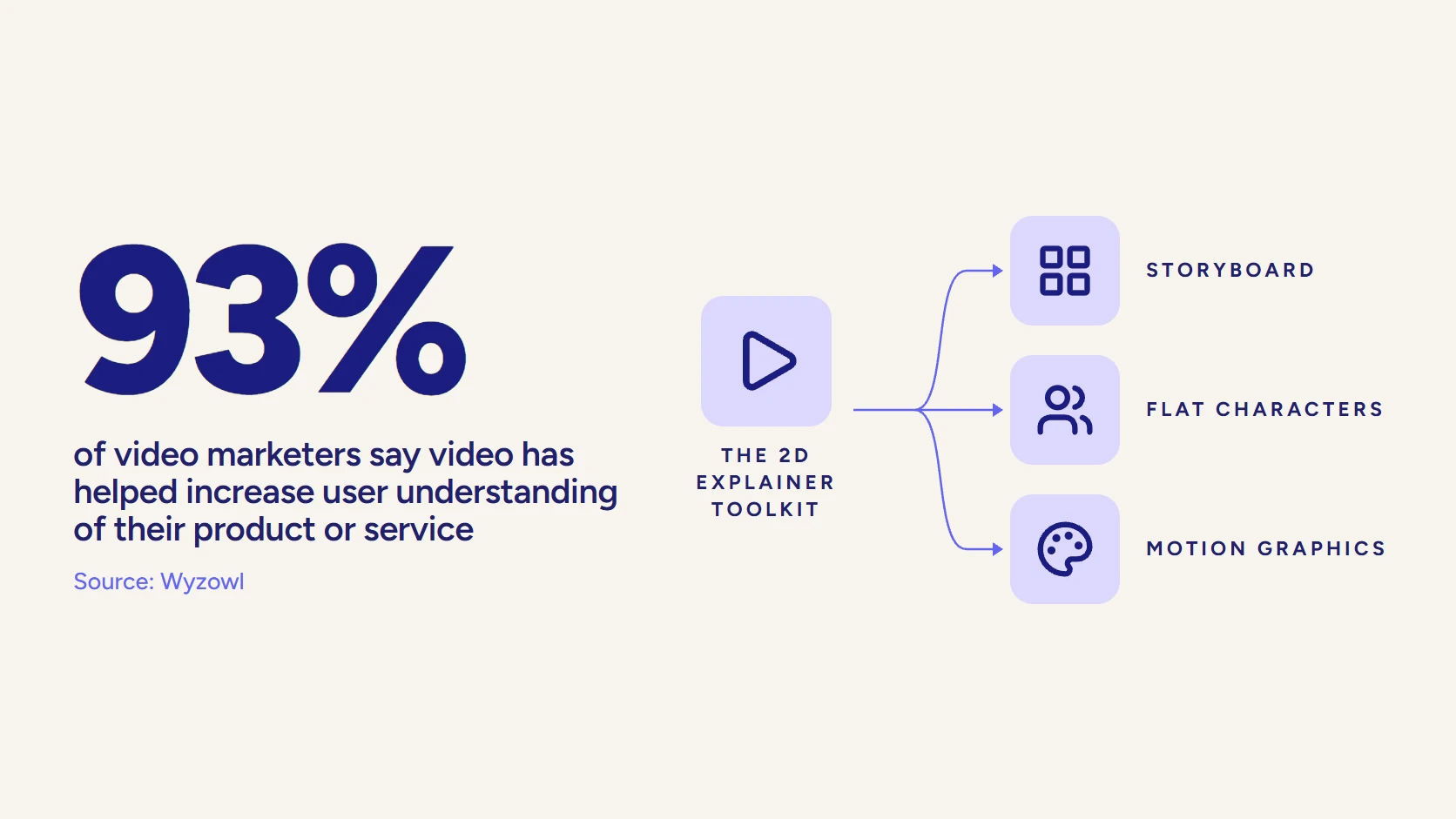
There is a quieter benefit, too. The same survey found that 93% of video marketers say video has helped increase user understanding of their product or service. That lift comes from clarity, and clarity is a writing problem long before it is an animation problem.
What Does a Studio-Made Explainer Look Like?
Claims are cheap, so here is the work. Below are two animated explainers from the LocalEyes Video Production channel, and each one shows a different side of what you are paying a studio for.
Zepl is the clearest case of the point above. AI-enabled data management has no natural picture, so the explainer borrows one: a real customer’s point of view, drawn in a custom illustration style that also had to fit a rebrand. A template library cannot do the second part at all.
Welltok is the other half of the argument. A health platform is hard to film without a stock hospital, and the piece leans on flat illustrated characters and icons drawn for it. Watch both and run the swap test from the portfolio section later in this guide: neither would make sense with a competitor’s logo on the end card.
Third-party proof matters here too. LocalEyes Video Production holds a 5.0 rating from 24 reviews on Clutch, where explainer video production is one of its listed focus areas.
Which Explainer Style Should a Company Recommend?
The right style follows the message, the audience and the budget, in that order. A vendor that proposes the same look for every client is showing you their comfort zone, not a recommendation. Here is how the main options tend to earn their place:
- Motion graphics. Shapes, type, icons and interface elements in motion. Strong for data, software and abstract services, and the most common choice for B2B explainers.
- 2D character animation. Illustrated people acting out a problem and its fix. Best when the story is about a person’s day, and more expensive because every movement is drawn.
- Whiteboard. A hand-drawn build that keeps attention on the idea. Useful for training and compliance, as our whiteboard animation guide shows.
- 3D animation. The answer when you need to show hardware, a device or a process inside a machine that a camera cannot reach.
- Live action with graphics. Real people, real product, real location, with animated overlays. The strongest option when trust in your team is part of the sale.
Ask the company to explain why it recommends a style for your project. The answer should connect to your viewer and your channel, and if it only references what looks current, keep asking. Our overview of animation styles and the animated explainer video guide cover each format in more depth.
Video that has to work?
Plan your next video project with LocalEyes Video Production and start from the goal, not the brief.
What Should You Have Ready Before the First Call?
You will get a sharper quote, and a faster one, if you walk in with answers instead of a vague ask. None of this needs to be polished. It needs to be honest.
- The viewer. One sentence on who watches, what they already know, and what worries them.
- The single action. Book a demo, start a trial, approve a budget, complete a training. Pick one.
- Where it will play. A homepage hero, a sales email, a trade show loop and a paid social ad all need different edits.
- Your brand assets. Guidelines, fonts, colors, product screenshots and any past video you liked or disliked.
- The approvers. Name everyone who signs off, including legal, before production starts.
- A budget range. A real number lets a studio tell you what is possible instead of guessing high or low.
The approvers item is the one most teams skip, and it is the one that stretches schedules. A late reviewer who rewrites the script after animation starts is the most expensive change on any explainer project. Our pre-production checklist covers the rest of the groundwork.
What Questions Should You Ask an Explainer Video Company?
A good first call feels more like an interview of you than a pitch to you. Bring this checklist, and pay attention to which questions a vendor answers crisply and which ones they deflect.
Questions About Strategy and Script
- Who writes the script? In house, by a writer who joins discovery, or do they expect you to supply it?
- How do you define the message? Listen for talk of audience, objection and call to action, not just “tone.”
- Will you challenge my brief? A partner who never pushes back is a production line.
- How do you decide length and style? The answer should reference where the video will play and who will watch it.
Questions About Style and Craft
This group separates custom work from assembled work, so ask for evidence rather than assurances.
- Is the visual style custom or template-based? Ask to see style frames from a past project next to its final video.
- Can you show examples in my industry or a similar one? Relevance matters more than polish here.
- What level of animation should I expect? Motion graphics, character animation and 3D sit at very different price points; our 2D versus 3D animation guide explains the gap.
- Who directs the creative work? Get a name and a role, not “our team.”
Questions About Process and Ownership
The final group is dull and decisive. Most disputes on explainer projects trace back to one of these answers being vague at the start:
- How many revision rounds are included, and at which stages? Script, storyboard and animation revisions cost very different amounts.
- What happens if I need changes after delivery? Pricing for a post-launch edit should be known before signing.
- Who owns the source files, characters and music license? You want to reuse your brand assets without asking permission.
- Which versions come with final delivery? Aspect ratios, captions and cutdowns should be named in the scope.
Which Red Flags in a Quote Should Make You Walk Away?
A quote is a vendor’s clearest statement of how they think. Read it for what it leaves out.
Reading an explainer video quote
Green flags
- Discovery and scriptwriting are named line items
- Revision rounds are stated for script, storyboard, and animation
- Style frames come before full animation
- Deliverables list aspect ratios, captions, and cutdowns
- Ownership of files, characters, and music license is spelled out
Red flags
- A per-minute price with no discovery stage
- The script is listed as an optional extra
- Unlimited revisions with no defined stages
- No mention of voiceover, music, or sound design
- A price sent before anyone asked about your buyer
The most common trap is the per-minute price with nothing upstream of it. It feels transparent, but a per-minute rate prices the animation and quietly assumes the thinking is already done, usually by you. Extras stacked on a low base (a rush fee, sound design billed separately, a cheaper tier staffed by a junior team) are not wrong on their own. Each is a reason to read the scope line by line before comparing totals.
One more flag that never appears on paper: a vendor who quotes before asking a single question about your buyer. Speed is nice. A price without discovery is a guess.
How Much Does an Explainer Video Company Charge?
The honest answer is that the market has no standard price, and the data proves it. In a July 2026 study, Yum Yum Videos sent the same brief for a fully custom 60-second animated explainer to 125 production companies and animation studios, and the 61 usable quotes ran from $2,800 to $27,000.
Read that spread carefully. The median quote was $9,680, and the median estimated production time was 7 weeks. The low end is mostly productized animation against a supplied script. The higher end is where discovery, custom scripting, original illustration and senior creative direction live.
LocalEyes Video Production sits in that second group on purpose. Scoped explainer projects start around $10,000, and most projects land between $15,000 and $30,000, priced by scope, not a rate card. For an animated explainer, what moves the number is length, style, how much custom illustration and character work the story needs, and how many finished versions and cutdowns you need at delivery.
For a line-by-line breakdown, our explainer video cost guide covers what drives each stage, and the wider video production cost hub puts explainers next to every other format.
How Do You Compare Three Explainer Quotes Fairly?
Three quotes for “a short explainer” can describe three different products. Before you compare totals, line them up against the same scope. Put these rows in a spreadsheet and fill one column per vendor:
- Discovery and strategy included (yes or no)
- Script written by the vendor, and how many drafts
- Style frames before animation
- Animation type: motion graphics, character, 3D, or a mix
- Voiceover casting and recording
- Music source and license terms
- Revision rounds per stage
- Final versions: aspect ratios, captions, cutdowns, languages
- Ownership of project files and characters
Now the totals mean something. A cheaper quote with four empty rows is not cheaper; it moves that work onto your team or into change orders later. A higher quote that fills every row may be the lowest real cost. And if two vendors fill the same rows at very different prices, ask each to walk you through the difference, because the answer tells you a lot about how they will run the project.
How Do You Read a Portfolio Before You Sign?
Every explainer video company has a reel that looks good. The reel is edited to impress you, so skip it and ask for complete videos instead.
Then run three tests on each one:
- The next-day test. Watch it once, close the tab, and write down the main idea tomorrow. If you cannot, neither could a buyer.
- The swap test. Could you replace the logo at the end with a competitor’s and have the video still make sense? If so, the script did not do its job.
- The range test. Do their videos look like one house style applied to every client, or like each brand’s own world? If every client’s video shares the same characters and palette, expect yours to arrive in them too.
Credibility is the last filter. A playful, bouncy style can be perfect for a consumer app and wrong for a bank. Look for videos that feel believable in your market, and use our breakdown of what makes a good explainer video as a scoring sheet if your team needs a shared standard.
What Should Happen After the Explainer Is Delivered?
An explainer that lives only on the homepage is working at a fraction of its value. Plan distribution before the script is written, because the channels change the edit.
Where a Finished Explainer Earns Its Keep
- Landing pages. Placed near the primary call to action, where a visitor decides whether to keep reading. See our guide to building a video landing page.
- Sales enablement. Reps send it ahead of a first meeting so the call starts at question two instead of question one.
- Onboarding. New customers see the same clear story that sold them.
- Social cutdowns. Short vertical versions, captioned for sound-off viewing, each carrying one idea from the full video.
Buyers are asking for this format. In the same 2026 research, 63% of people said a short video is how they would most like to learn about a product or service. Map each version to a stage of your video marketing funnel and the explainer stops being a single asset and starts being a campaign.
Why Do B2B Teams Hire LocalEyes Video Production for Explainers?
Because the explainer is rarely the only video they need. A launch that starts with an explainer usually wants a product demo, a customer testimonial and social cutdowns soon after, and a studio that already owns the script, the characters and the brand system can build all of them from one production instead of starting over each time.
The track record behind that:
- 4,000 videos produced over 8 years, since 2018.
- 500+ five-star reviews, 300+ clients, and an NPS above 95.
- Emmy recognition.
- Teams in 10 US markets, including local teams for explainer video production in Dallas, Boston explainer projects and New York explainer work.
If animation is the heart of your project, the animation video production team and our guide on choosing an animation studio for enterprise work are the next stops. If you are still weighing formats, read how to pick the right explainer type first.
Viewers have made their preference plain: 96% of people have watched an explainer video to learn more about a product or service. The open question is whether yours will be the one they remember. Book a call, and we will scope your explainer and send a clear quote and a delivery date.
Video that has to work?
Plan your next video project with LocalEyes Video Production and start from the goal, not the brief.
Frequently Asked Questions
What Does an Explainer Video Company Do?
Should I Hire an Explainer Video Agency or a Freelancer?
Can I Make an Explainer Video With a DIY Tool Like Canva?
How Much Does an Explainer Video Company Charge?
Who Should Write the Explainer Video Script?
How Many Revision Rounds Should an Explainer Quote Include?
Who Owns the Files After an Explainer Video Is Delivered?

Founder at LocalEyes Video Production | Inc. 5000 CEO | Emmy Award Winning Producer